How to Scan Your Website for Viruses Using Our Free Virus Checker Tool
Protect your site and visitors with our Free Virus Checker Tool. Scan your website in seconds to detect hidden malware and threats before they harm your reputation or rankings.
Scan your website for signs of malware such as hidden iframes, suspicious JavaScript and known backdoor files, and check your SSL certificate, security headers, mixed content and exposed WordPress details in the same scan. No login or API key needed.
What this scan looks for, and why it's worth running regularly.
Quickly identify hidden malicious code, suspicious scripts, or embedded threats on your web pages.
Reads the HTML, inline JavaScript and iframes of your page to catch injected code that is easy to miss by eye.
Run scans without third-party APIs, plugins, or an API key. Paste a URL and the results show up right away.
Get one score for the scan, with every finding listed below it and a short fix for each site check.
Shows whether your SSL certificate is trusted and how many days it has left, and which recommended security headers your site sends.
Finds files loaded over plain http on an https page, and WordPress details attackers look for, like a visible version number or a public readme file.
What this website virus checker looks for, how to read the results and what to do if something is flagged.
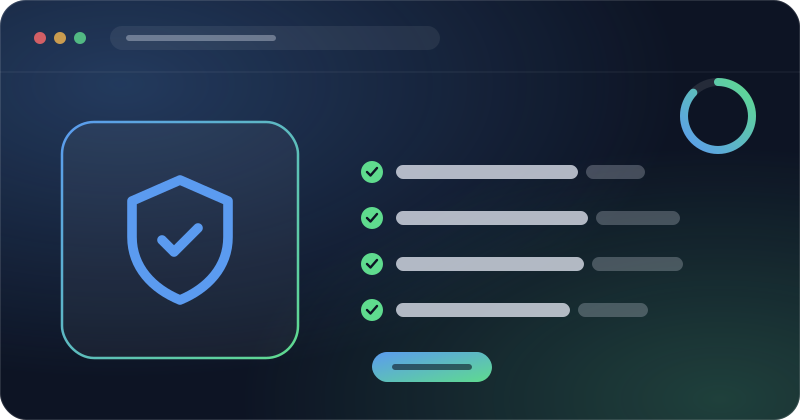
The tool fetches the source code of the page you enter and looks for patterns that often show up when a site has been hacked. It also checks whether a few common backdoor file names exist at the root of your domain.
Below the malware results you also get a set of site checks, each marked as passed, warning or failed:
Each pattern that is found lowers the security score, and failed or warning site checks lower it a little too, and the report shows what was matched so you can find it in your code. A flag is a reason to look closer, not proof of an infection. Many safe sites use eval() inside a minified library, or load a script from a service that is not on our known list. Check where each match comes from before you change anything.
Small habits like these stop most attacks before they start, and they make it much easier to check a website for malware and act fast when a scan does flag something.
Run a scan when you notice warning signs such as strange redirects on mobile, spam pages showing up in Google results, new admin users or a browser warning on your domain. A quick monthly check is a good habit too. Hacked sites also often hide spam links with CSS, so the hidden content scan is a useful second step.
This website malware scanner only reads the public page source and a short list of file names, so it cannot see inside your server. For a site that handles payments or customer data, use it alongside a server side security plugin and regular backups.
Official reference: Google's Safe Browsing site status page shows whether Google currently flags a domain as unsafe, which is worth checking after any cleanup.
What the malware scan can and cannot see, and what to do if it flags something on your site.
It scans your homepage for malicious iframes, suspicious JavaScript, base64 code, and hidden domains used in attacks.
While it identifies many common threats, it's designed as a quick security audit, not a full malware removal solution.
Traditional antivirus tools scan local systems. Our Virus Checker is built for websites, scanning page source and URLs in real-time.
No. The page is fetched, checked, and forgotten. We don't keep the URLs you scan or the results.
Yes, you can scan any public website, just enter the URL and let the tool perform a non-intrusive scan.
It reads your certificate directly and tells you whether browsers trust it, who issued it, and how many days are left before it expires. Less than 30 days is a warning, less than 14 days or an expired certificate is a fail.
Headers like Strict-Transport-Security, X-Content-Type-Options and X-Frame-Options tell browsers to block common attacks such as downgrade to http, file type tricks and clickjacking. They are cheap to add and most security plugins or CDNs can set them for you.
Start with your CMS and plugin/theme update history, most injected scripts arrive through an outdated or vulnerable plugin. If you can't identify the source, a developer or your hosting provider's security team can help trace and remove it.
No single scan can guarantee that, this tool checks your homepage's visible source for known malicious patterns, which covers a lot of common cases but isn't a substitute for a full security audit on a site handling sensitive data.
Same free, no-signup approach, pick whichever check you need next.
Guides to help you keep malware and backdoors off your site.
Protect your site and visitors with our Free Virus Checker Tool. Scan your website in seconds to detect hidden malware and threats before they harm your reputation or rankings.

Scan your site for hidden malware with our Free Website Virus Checker. Detect malicious code, security loopholes, and stealth threats before they steal data or harm your visitors.
Every scan is free, and the URL you check is never logged afterward.
Explore all tools →