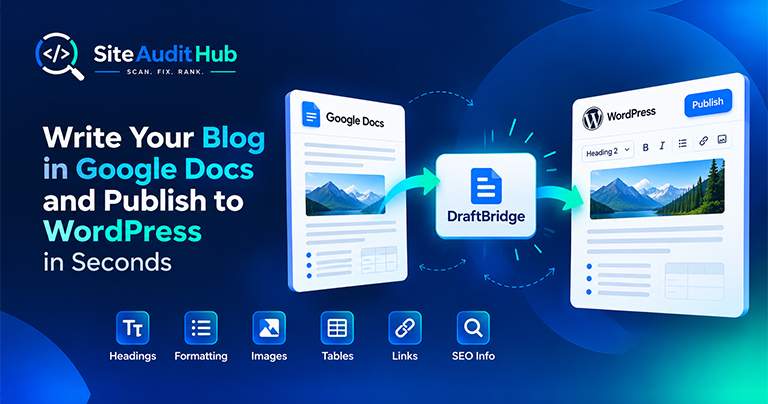
Google Docs to WordPress: 7 Easy Steps to Publish Faster
Learn how to prepare a blog in Google Docs and move it to WordPress while keeping headings, formatting, images, tables, links and SEO information organized.
Paste a URL and this tool follows every redirect hop on your homepage and its internal links, one step at a time. It flags loops, long chains and redirects that end in an error, checks the http, https and www versions of your domain, and can also test a pasted list of old URLs.
What tracing every hop in a redirect chain actually gets you.
See every hop between the link you started with and where it actually ends up, in the order the browser would follow it, not just the final URL.
Catches redirect loops that never resolve, along with 3xx responses that point at a dead or unreachable destination.
Each extra hop adds latency before the page even starts loading. Flattening a 3-hop chain to a single redirect is a quick, measurable speed win.
Tests all four versions of your domain (http, https, with and without www) and tells you if they land on different addresses or take too many hops.
Paste up to 20 old URLs, one per line, and see where each one ends up. Useful right after a migration or a URL structure change.
Beyond the homepage itself, it follows the internal links found on it, so redirects buried a click or two deep don't stay invisible.
Every flagged result comes with a specific suggestion, like pointing a long chain straight at the final URL, not just a raw status code.
Download every checked URL with its full redirect path and final status as a CSV file for your developer or your records.
A simple guide to using the redirect checker and cleaning up chains, loops and broken redirects.
The tool loads the page you enter, finds the internal links on it and follows each one step by step. Instead of only showing where a link finally lands, it records every hop along the way with its HTTP status code. It checks up to 15 links per scan and follows up to 8 hops for each one, which makes it a handy redirect chain checker for your internal links.
Every normal scan also tests the four versions of your domain: http, https, http with www and https with www. All four should end on the same https address. If two versions land on different pages, search engines can treat them as two separate sites. If one version takes two or three hops, it slows down every visitor who types your domain without https.
After a migration you often have a list of old addresses that must still work. Open "Or check a list of URLs" under the search box, paste up to 20 URLs, one per line, and run the scan. Only those URLs are checked, and each one shows its full path to the final page. Use Download CSV to keep a record of the results.
Moving to HTTPS, switching between www and non www, or changing your domain creates redirects for every old URL. These moves are where chains usually start, because new rules get stacked on top of old ones. Right after the change, run this 301 redirect checker on your homepage and a few key pages. Each one should take a single hop to its new address. If you see two or three hops, merge the rules so they all point straight to the final version of the URL.
A chain happens when one redirect leads to another before reaching the final page. A common example is http to https, then non www to www, then an old slug to a new one. Each hop adds a little delay before the page starts loading, and search engines may stop following a chain that runs too long. A redirect chain checker shows the whole path, so you can see exactly which step to remove.
After a site migration, scan your main pages with the redirect checker and confirm each old URL reaches its new address in one hop. If some old URLs return errors instead, the 404 link checker will show you where they are still linked.
Official reference: Google's guide to redirects and Search lists which redirect types Google treats as permanent and which as temporary.
Short answers on redirect types, chains, loops and what the checker reports for each hop.
A redirect chain happens when URL A redirects to URL B, which then redirects to URL C, and so on, before a visitor or crawler finally reaches a page that loads normally. Each extra hop adds a round-trip of latency and makes the path harder for search engines to follow.
Long chains slow down crawling and can dilute the ranking signals a link was supposed to pass along. A redirect that loops back on itself, or one that dead-ends, can stop a crawler from reaching the page entirely.
Yes, it walks up to 8 hops per link and records the status code at each step, so you can see exactly where a chain starts, where it bends, and where it finally lands (or fails to).
Yes. It records the exact HTTP status at each hop, whether that's a 301 permanent redirect, a 302 or 307 temporary one, or anything else in the 3xx range.
Yes, after scanning your homepage, the tool follows the internal links found on it too, up to a safe limit per scan, so redirects on pages beyond the homepage get checked as well.
There's no hard rule, but anything past two hops is worth fixing. If a chain is 3+ hops long, the tool flags it and suggests pointing the original link directly at the final URL.
Yes. Open "Or check a list of URLs" under the search box and paste up to 20 addresses, one per line. Only those URLs are checked, which is handy for testing old links after a site move.
It loads http://, https://, http://www. and https://www. versions of your domain and shows where each one ends up. All of them should land on the same https address, ideally in a single redirect.
No, the tool only detects and reports the loop. Fixing it means going into your server config, CMS redirect rules, or .htaccess file and removing whichever rule sends the URL back to itself.
Same free, no-signup approach, pick whichever check you need next.
Guides and breakdowns on redirects and site structure.
Learn how to prepare a blog in Google Docs and move it to WordPress while keeping headings, formatting, images, tables, links and SEO information organized.
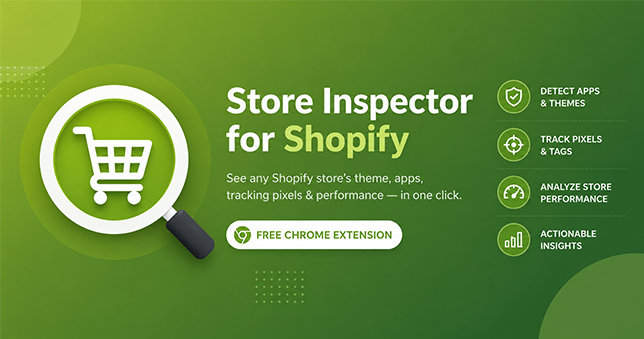
Available now: Install Store Inspector for Shopify from the Chrome Web Store — free, no account required. You land on a Shopify store, and it just works. Clean design, fast checkout, a review widget that actually looks good. So what’s it running? Which theme, which apps, which tracking scripts? Normally you’d have to open dev […]
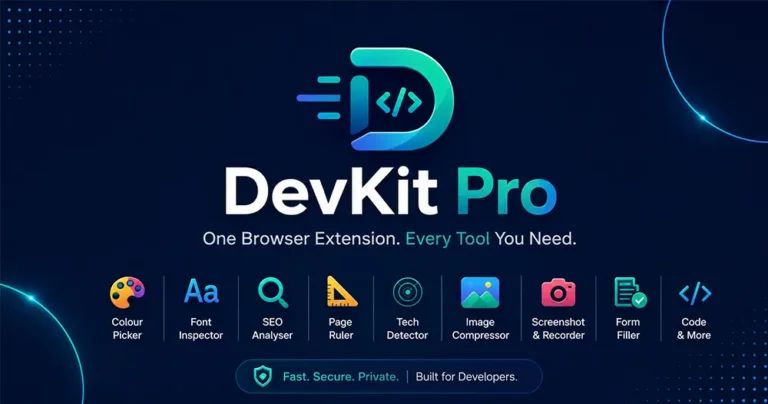
Juggling a color picker, font inspector, SEO checker, and screenshot tool across five different extensions? DevKit Pro combines all seven into one lightweight browser extension, so every check, measurement, and capture you need is just one click away. Introduction: Too Many Tabs, Too Many Extensions If you build, design, or market websites for a living, […]
No signup, no queue, just paste another URL and trace its redirects.
Explore all tools →